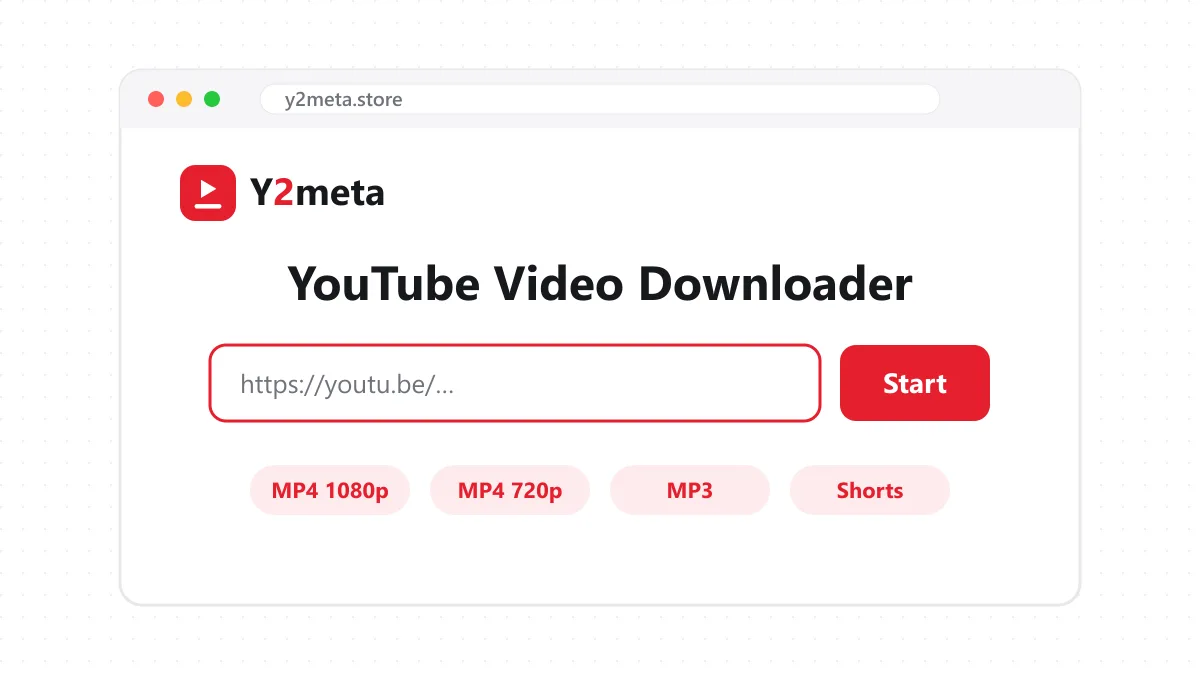
Y2meta is a YouTube video downloader that runs in your browser. Paste a link from YouTube, press Start, and you get a list of every version of that video: MP4 files from 144p up to 1080p (and higher when YouTube has it), plus MP3 and M4A audio. Tap the one you want and it saves straight to your phone or computer.
There’s no app to install, no account, and no “premium” button hiding the good quality. That’s the whole point of the site.
How to download YouTube videos with Y2meta
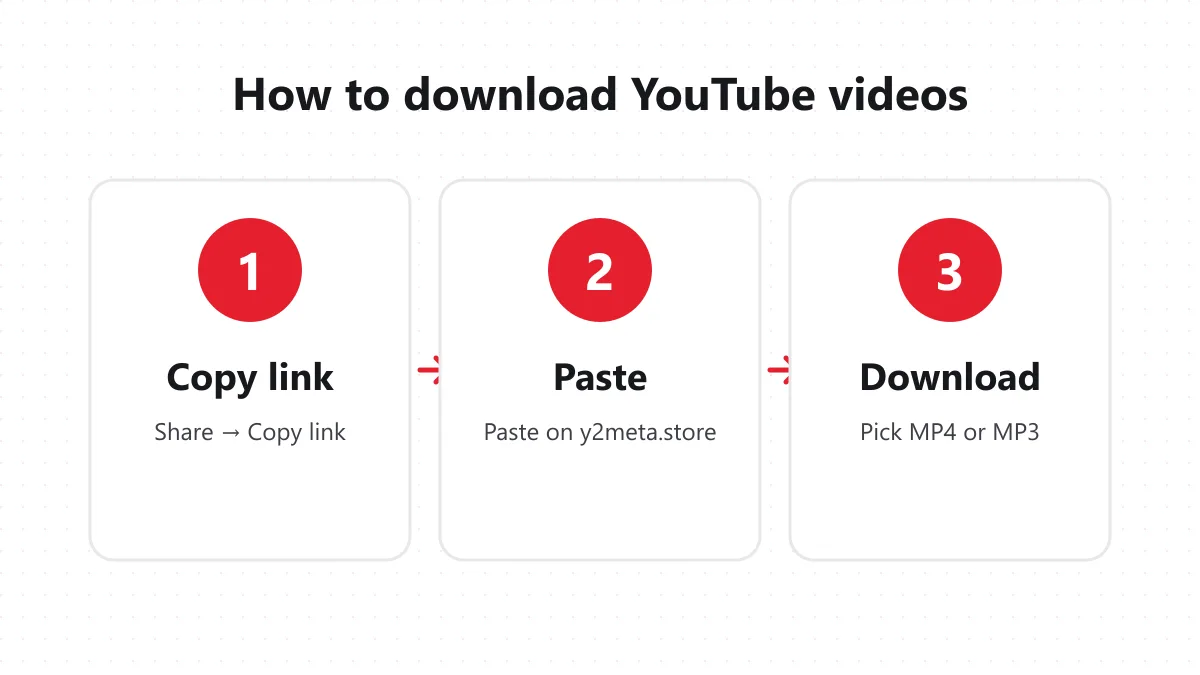
1. Copy the YouTube link
In the YouTube app, tap Share under the video and choose Copy link. On a computer, copy the address from the browser bar. Normal videos, Shorts, youtu.be short links and music videos all work.
2. Paste it on y2meta.store
Open y2meta.store, paste the link into the box at the top and press Start. On a phone, the Paste button does it in one tap. The video’s title, thumbnail and length appear in a couple of seconds.
3. Choose a format and download
Pick an MP4 quality for video, or MP3 if you only want the sound. The download starts right away. On Android it lands in the Downloads folder; on iPhone, Safari puts it in the Files app.
Which format should you choose?
| Format | Quality | Best for |
|---|---|---|
| MP4 1080p | Full HD | Laptops, TVs, editing |
| MP4 720p | HD | Most phones and tablets |
| MP4 480p / 360p | SD | Saving storage and mobile data |
| MP3 | Up to 320 kbps | Music, podcasts, lectures |
| M4A | Original AAC | Best audio without re-encoding |
A ten-minute video is roughly 150–250 MB in 1080p and 25–35 MB in 360p. If you’re saving lots of tutorials to a phone, 720p is usually the sweet spot.
One honest note: no downloader can add detail that was never there. If a video was uploaded in 720p, the 1080p option simply won’t appear.
Why people use Y2meta
YouTube is built for streaming, not keeping. The app’s offline mode needs Premium, the files only play inside YouTube, and they disappear when you go offline for too long. A plain MP4 file has none of those limits. People use Y2meta to:
- Save tutorials, recipes and lectures to watch on a flight or in a place with bad signal.
- Keep a copy of their own uploads in full quality.
- Put a music video or talk on a TV through a USB stick.
- Pull the audio from a podcast or interview to listen to with the screen off.
- Use a clip in a school or work presentation, where streaming isn’t reliable.
Works on every device
Y2meta is a website, so it works anywhere a browser does.
Android – Chrome and Samsung Internet save files to Downloads, and videos also show up in the gallery. iPhone and iPad – Use Safari. After downloading, open the file in Files and tap Share → Save Video to put it in Photos. Windows, Mac, Linux – Files go to your Downloads folder and open in VLC, QuickTime or any video editor.
More Y2meta tools
If you already know what you want, these pages go straight to it: YouTube to MP4 for video in a specific quality, YouTube to MP3 for audio only, and the YouTube Shorts downloader for vertical clips. They all use the same engine.
Is it safe and legal?
The site itself is safe: no installs, no browser extensions, no fake download buttons, and nothing is kept on our servers after your download. We don’t ask for your Google account and couldn’t see it if we wanted to.
What you do with the file is up to you. Downloading a video for your own offline viewing is very different from re-uploading someone else’s work. Only save videos you have the right to keep, such as your own content, Creative Commons videos, or videos the creator allows you to download. Y2meta is an independent tool and isn’t affiliated with YouTube or Google.
Quick fixes
“Video unavailable” – The video is private, age-restricted, removed, or blocked in some countries. Only public videos work. The download opens in a new tab – Right-click the button and choose Save link as, or press the download icon in the video player. No 1080p option – The uploader didn’t publish the video in 1080p. The link stopped working – Download links are temporary. Paste the YouTube link again and press Start.
If something still doesn’t work, email us at [email protected] with the link you tried.