MP4 is the format that just works. It plays in the Android gallery, the iPhone Photos app, Windows, Mac, smart TVs and every video editor. The Y2meta YouTube to MP4 converter takes a YouTube link and gives you that file in the exact quality you choose, with sound included in every option.
How to convert YouTube to MP4
1. Copy the video link
Tap Share → Copy link in the YouTube app, or copy the address bar on a computer. Links from youtube.com/watch, youtu.be, Shorts and YouTube Music all work.
2. Paste and press Start
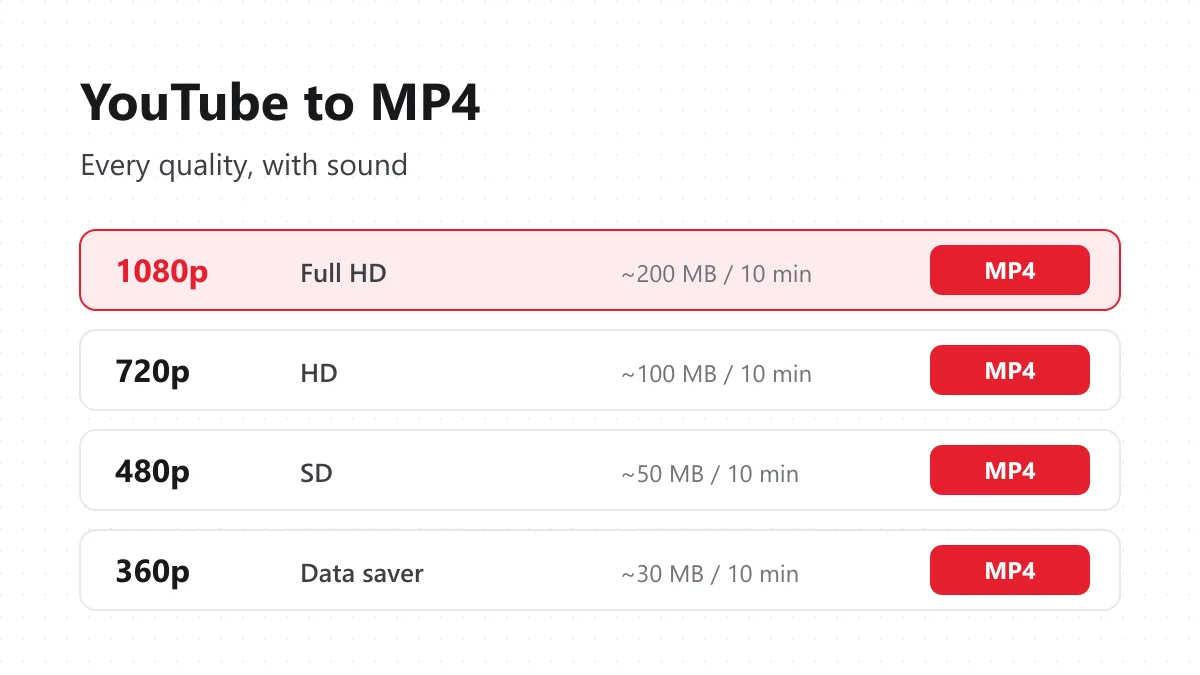
Paste the link into the box above. Y2meta reads the video and lists every MP4 quality that YouTube has for it, with the approximate file size next to each one.
3. Pick a quality and save
Tap 1080p, 720p, 480p or lower. The MP4 downloads to your device. That’s it: there’s no second page, timer or “click here to continue”.
Why 1080p MP4s often have no sound elsewhere
YouTube serves HD video and audio as two separate streams. Only the low-quality 360p version comes as one file with sound built in. That’s why many converters either stop at 360p or give you a silent 1080p file.
Y2meta takes the video stream and the audio stream and joins them into a single MP4, without re-encoding the picture. The quality you see is the quality YouTube stored, and the sound is always there.
Choosing the right MP4 quality
| Quality | Typical size (10 min) | Use it for |
|---|---|---|
| 1080p | 150–250 MB | Laptop, TV, editing in CapCut or Premiere |
| 720p | 80–120 MB | Phones and tablets – the best balance |
| 480p | 40–60 MB | Small screens, slow connections |
| 360p | 25–35 MB | Saving as much space as possible |
| 1440p / 4K | 400 MB+ | Only when the uploader published it |
Tip: if you’re downloading lots of lectures or tutorials, 720p saves half the space of 1080p and still looks sharp on a phone.
YouTube to MP4 on each device
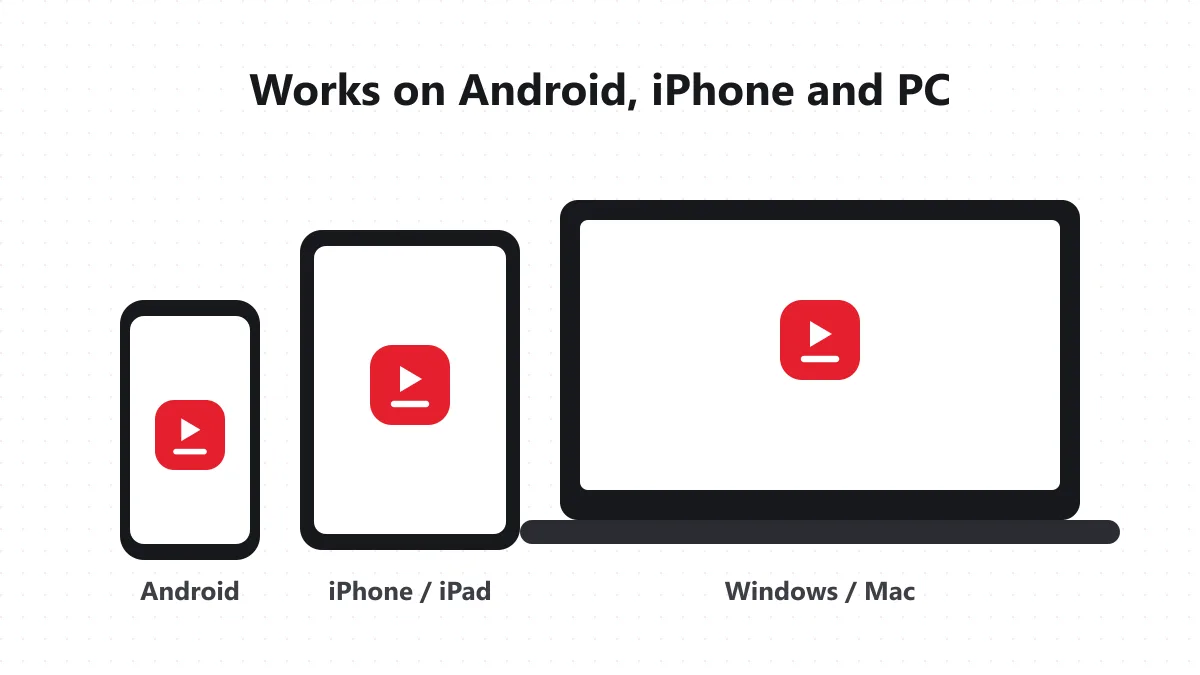
Android: Use Chrome. The MP4 saves to Downloads and appears in your gallery or Google Photos within a few seconds. From there you can share it on WhatsApp or move it to an SD card.
iPhone / iPad: Use Safari (iOS 13 or newer). When the download finishes, tap the arrow icon in the address bar, open the file, then tap Share → Save Video. It now sits in Photos with your other videos.
Windows / Mac: Any browser works. The file lands in Downloads and plays in VLC, QuickTime or the Windows player. Video editors import it directly.
What people convert to MP4
- Tutorials and courses to watch offline on a commute or a flight.
- Their own uploads, as a full-quality backup.
- Music videos and concerts to play on a TV from a USB stick.
- Clips for presentations where the venue Wi-Fi can’t be trusted.
- Kids’ videos for long car trips, without ads or autoplay.
MP4 vs other formats
YouTube itself also uses WebM. It can be marginally smaller at the same quality, but older phones, many TVs and some editors don’t open it. MP4 (H.264 video + AAC audio) is the universal choice, which is why Y2meta gives you MP4 by default. If you only want the sound, the YouTube to MP3 page saves audio only, and vertical clips are easier with the YouTube Shorts downloader.
Problems and fixes
The quality I want isn’t listed – YouTube only has the qualities the uploader published. A 720p upload has no real 1080p version. The video won’t convert – Private, members-only, age-restricted and region-blocked videos can’t be downloaded. The MP4 plays without sound – Make sure you downloaded from y2meta.store rather than a copied player link. Every Y2meta MP4 includes audio. Download opened in the browser – Right-click the button and choose Save link as.
Only download videos you have the right to keep – your own content, Creative Commons videos, or videos the creator allows you to save. Y2meta is independent and not affiliated with YouTube or Google. Back to the Y2meta YouTube video downloader.